


FiveX just added 17 new MCP connections. That covers 17 new channels a FiveX AI agent can now reach: 12 CRM and marketing platforms, Gmail, IMAP and SMTP, and two new ad channels. These connections bring CRM, helpdesk, email marketing and ad data directly into your FiveX workspace, so you stop manually exporting and copy-pasting between disconnected tools.
What's new
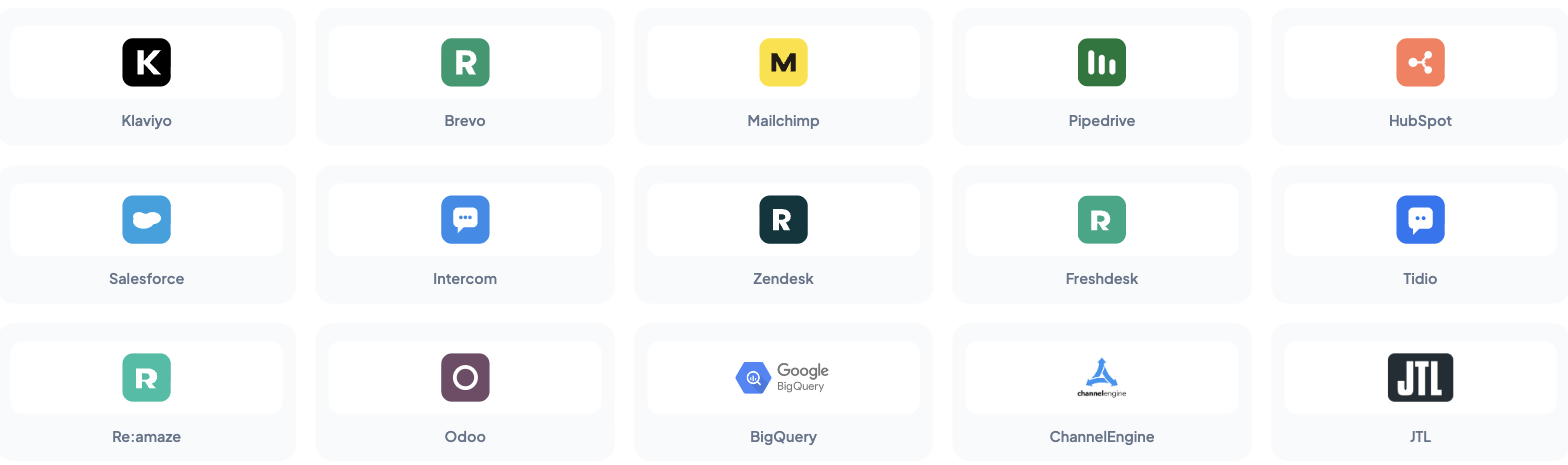
The 17 new channels are:
- HubSpot: sync contacts, deals and company records
- Pipedrive: pull deal pipeline data into FiveX
- Salesforce: connect CRM accounts and opportunities
- Zendesk: surface support ticket trends alongside marketplace KPIs
- Freshdesk: track resolution times and CSAT signals
- Intercom: link conversational support data to marketplace performance
- Klaviyo: align email campaign results with marketplace ad spend
- Mailchimp: sync subscriber and campaign metrics
- Brevo: connect multi-channel marketing automation data
- Odoo: bridge ERP, inventory and accounting data
- Reamaze: integrate e-commerce helpdesk conversations
- Tidio: connect live chat and chatbot interactions
- Gmail: search, read, label, draft and send email straight from a FiveX AI agent
- IMAP: connect any other inbox for reading and search
- SMTP: send email from that same inbox
- Snapchat Ads: pull campaign structure and spend into FiveX
- Pinterest Ads: pull campaign structure and spend into FiveX
Snapchat and Pinterest Ads get their own full rollout writeup if you want the details on those two.
How to connect
Go to Settings → Add integration in your FiveX dashboard, filter by CRM, Customer Service, E-mails or Advertising, and pick the platform. You authenticate with your own account credentials; FiveX never asks for a password, only an API key or an OAuth login where the platform supports it. Once connected, the data starts syncing on its own schedule without extra configuration.
Why this matters
Marketplace teams have always operated across disconnected tools: CRM in one tab, helpdesk in another, email platform in a third. With these MCP connections, that data now lives inside FiveX instead of across separate tabs. Your AI agents can reason over CRM deals, support tickets, email campaigns and marketplace performance in a single context, which leads to better recommendations and fewer blind spots.
What's next
All 17 channels are live now. You can connect them from the MCP settings page in your FiveX dashboard. We're already working on the next batch of integrations. If there's a tool you'd like to see added, let us know.
Operator impact
For operators, the real gain is fewer handovers between systems when a commercial decision needs context. A marketplace manager can ask why a SKU's margin dropped and see whether support tickets increased in Zendesk, whether a HubSpot deal is tied to a wholesale opportunity, whether an Odoo stock movement explains availability, or whether Klaviyo email demand changed the channel mix. That context normally lives in separate tabs, separate teams and separate exports.
My favourite practical use case is exception triage. Imagine Amazon ad spend rises 18% while contribution margin falls. In the old workflow, someone checks ads, someone else checks support, and finance waits for ERP data. With connected MCP channels, a FiveX AI agent can gather the related CRM, helpdesk, email and ERP signals in one workflow, then point the team toward the likely cause: a support issue, a stock delay, a campaign spike, a payment problem or a customer segment behaving differently.
These connections also make AI safer. Instead of asking an agent to guess from a single dashboard, you can let it read the systems that already hold the evidence. The action can still require approval, but the preparation becomes faster and more complete. That's the model we're building toward: less time spent collecting context, more time spent on decisions that protect margin.